Bug #4681
closedLead Meeting Summary – Filter Panel Cannot Be Closed and Excel Column Names Do Not Match Application (APK)
0%
Description
Short Description:
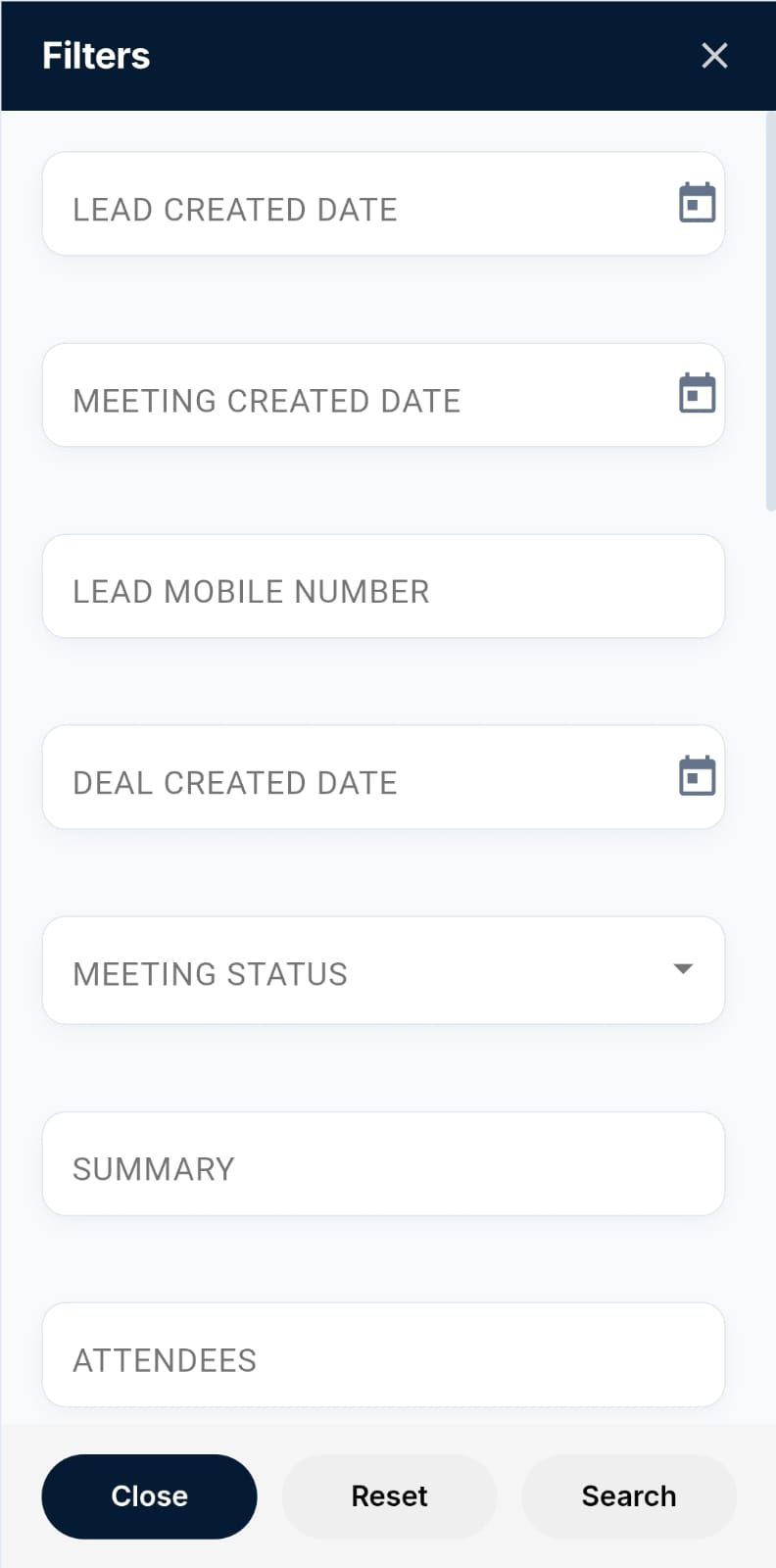
In Reports → Lead Meeting Summary, the Filter panel does not close when clicking either the Close option or the X button. Additionally, the downloaded Excel file contains different column names from those displayed in the application.
Steps to Reproduce:
Login to the application using the admin credentials.
Navigate to Reports → Lead Meeting Summary.
Open the Filter panel.
Click the Close option and verify whether the panel closes.
Open the Filter panel again.
Click the X button and verify whether the panel closes.
Download the Lead Meeting Summary report as an Excel file.
Open the downloaded Excel file.
Compare the Excel column names with the column names displayed in the application.
Actual Result:
The Filter panel does not close when clicking either the Close option or the X button.
The downloaded Excel file contains different column names:
Description
Status
Amount
Closing Date
Expected Result:
The Filter panel should close successfully when clicking either the Close option or the X button.
The downloaded Excel file should contain the exact same column names as displayed in the application.
Admin User:admin@flowzo.ai
Password:Admin@123
Company Name:cai
Files